Updated 3 November 2026
On 21 October 2026, the team behind PHP released emergency fixes for two critical security flaws, now known as PHP2Shell. They let an attacker run their own code on a web server without logging in, which in practice means taking over the website. Attacks started before the fix was even public.
If your business website runs on WordPress, WooCommerce or another PHP-based system, it may be affected. Most owners have no idea which version of PHP their site uses, and that's the one thing that decides it. This guide explains what happened in plain words, how to check your site in about 10 minutes, and what to do if it's at risk. If your site is on Shopify, Wix or Squarespace, the short answer is that you don't need to do anything.
What is PHP2Shell, in plain words?
PHP2Shell is the name for two vulnerabilities in PHP, tracked as CVE-2026-109618 and CVE-2026-109619. Each is rated 9.2 out of 10 for severity. PHP is the programming language that runs behind a huge share of websites, including every WordPress site.
The flaws allow "unauthenticated remote code execution". Translated: someone on the internet, with no password, can make your server run their code. Once they can do that, they can change your pages, add spam or malware, read files on the server or use it to attack others.
A few dates matter:
17 October 2026: security teams at AWS saw the first attack attempts, four days before the public announcement.
21 October 2026: PHP released fixed versions 8.5.12, 8.4.27, 8.3.36 and 8.2.35.
26 October 2026: the US cybersecurity agency CISA added the flaw to its list of vulnerabilities actively used in attacks.
Within hours of the announcement, automated scanners were trying the attack against websites across the internet. Attackers don't pick businesses by size. They scan everything, so a small clinic or café site is just as likely to be hit as a big brand.
Is my website affected?
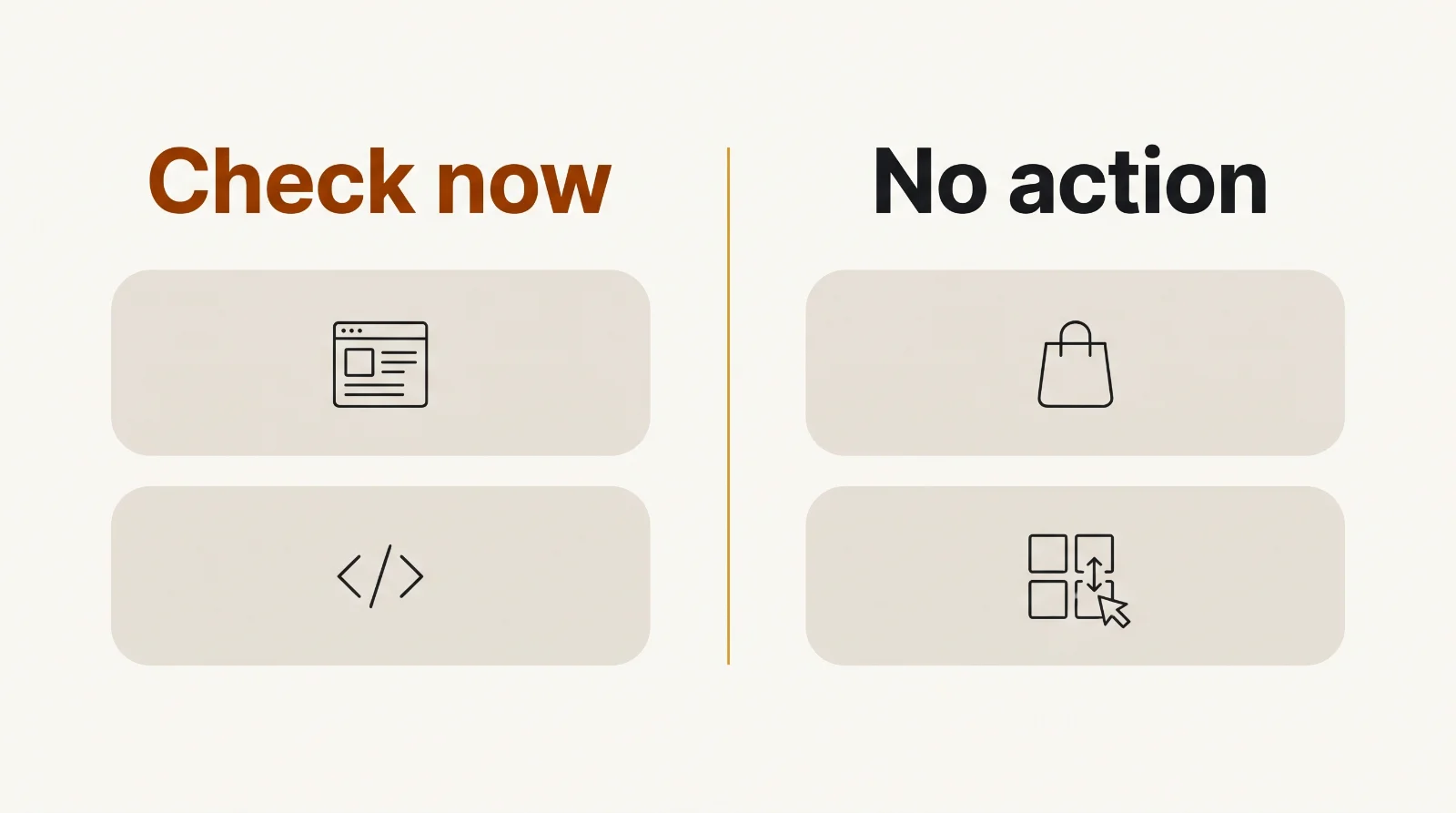
Your website is affected if it runs on PHP and the server hasn't been updated to a fixed version. Whether that's you depends mostly on how your site was built and who hosts it.
How your site is built | Runs on PHP? | What you need to do |
|---|---|---|
WordPress or WooCommerce (any host) | Yes | Check your PHP version today |
Custom PHP site (Laravel, CodeIgniter, plain PHP) | Yes | Check your PHP version today |
Shopify, Wix, Squarespace | No (the platform runs the servers) | Nothing. The platform handles server security. |
Next.js, React or a static site | Usually no | Ask your developer to confirm no PHP runs anywhere (for example, an old contact form or admin panel) |
The risk is highest for sites on cheap shared hosting that nobody has looked at since launch. Those plans often sit on old PHP versions, and the website owner usually assumes the host or the original developer is keeping things updated. Often, nobody is.
How to check your PHP version in 10 minutes
The quickest way to check is your WordPress dashboard or your hosting control panel. You don't need any technical skills for either.
If you use WordPress:
Log in to your WordPress admin.
Go to Tools → Site Health → Info.
Open the Server section and look for PHP version.
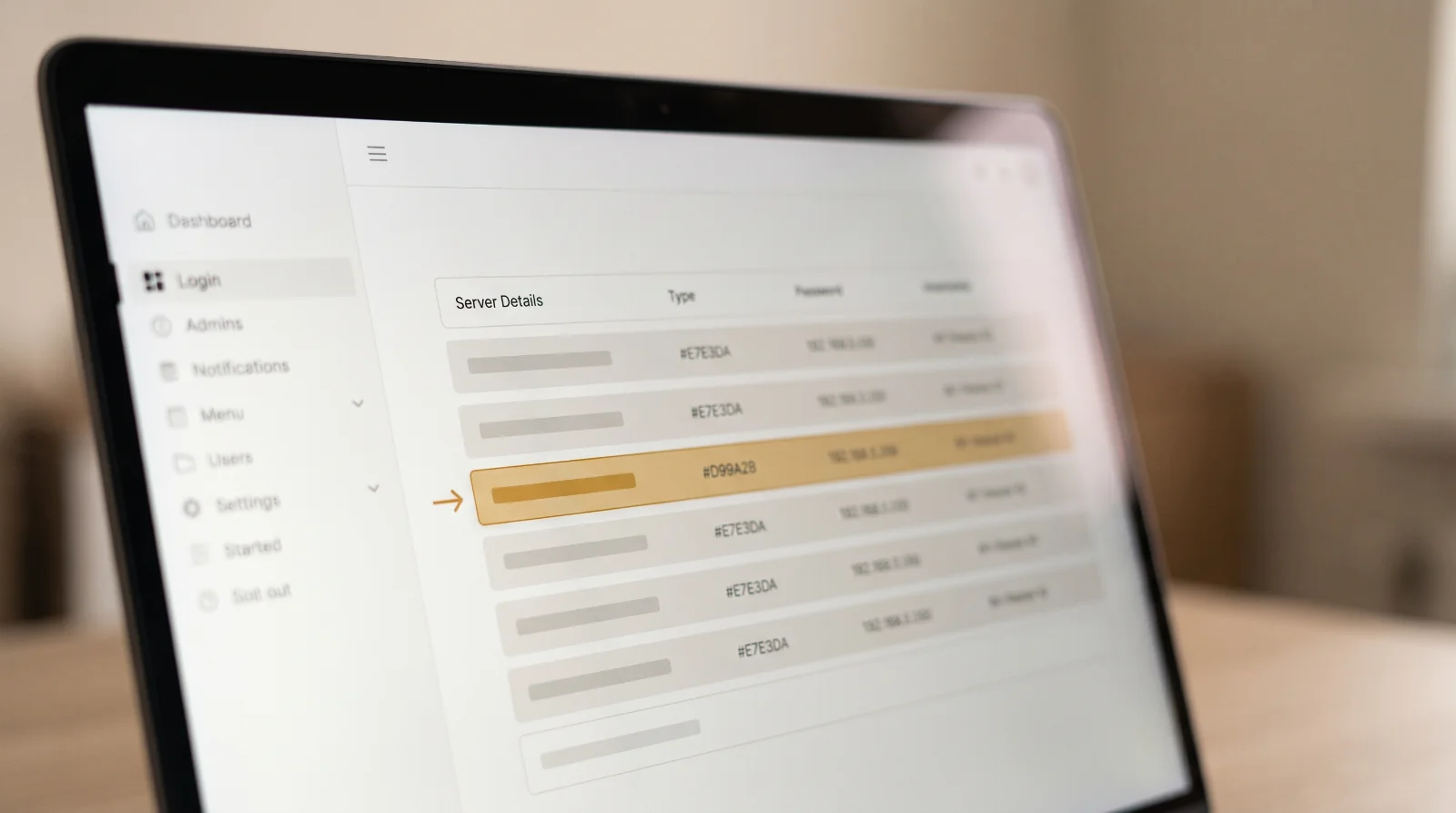
If you have a hosting control panel (cPanel, Hostinger hPanel, Plesk or similar), look for a setting called PHP version, Select PHP version or PHP configuration. It shows the version your site is using.
Then compare it with this list:
8.5.12, 8.4.27, 8.3.36, 8.2.35 or newer within the same line: you're on a fixed version.
Older 8.2, 8.3, 8.4 or 8.5 versions: a fix exists. Your host or developer needs to update it now.
8.1, 8.0, 7.x or older: no fix is coming for these versions. You need to move to a supported version (see below).
If you can't find it, ask. Copy this message to your host or developer:
Hi, can you confirm which PHP version our website runs on, and whether it's been updated for the PHP2Shell vulnerabilities (CVE-2026-109618 and CVE-2026-109619) fixed on 21 October 2026? If we're on PHP 8.1 or older, what's the plan to upgrade?
A good host will answer within a day. If you get a vague reply or none at all, that tells you something about who's looking after your site.
What if my site is on PHP 8.1 or older?
If your site runs PHP 8.1 or older, there is no patch, and the only real fix is upgrading to a supported version (8.2 or newer). Temporary server settings can reduce some of the risk, but security researchers say none fully block the attack.
Upgrading PHP is usually a setting your host can change, but there's a catch. Old themes and plugins sometimes break on newer PHP. That's why this step often gets skipped, and why so many sites are still on old versions.
The safe way to do it:
Take a full backup of files and the database. Most hosts have a one-click backup.
Update WordPress, your theme and every plugin to their latest versions first.
Test on a staging copy if your host offers one, then switch the live site to PHP 8.3 or 8.4.
Click through the important pages: home, contact form, booking, checkout. Check that nothing looks broken.
Remove plugins you don't use. Each one is another thing that can break or be attacked.
If a plugin breaks on the new version and has no update, it's probably abandoned. Replace it rather than staying on old PHP to keep it alive.
After you update: check you weren't already hit
Because attacks started before the fix, update first, then check for signs of a break-in. Look for:
Admin users in WordPress you don't recognise
Your site redirecting visitors to other websites, especially on mobile
Strange pages showing up when you search Google for
site:yourdomain.comA "This site may be hacked" warning in Google results or in Google Search Console
Your host warning you about high resource use or suspicious files
If you see any of these, don't just delete what looks wrong. Restore from a clean backup taken before 17 October if you have one, change every password (hosting, WordPress, database, email) and get someone to scan the server properly.
Frequently asked questions
Does PHP2Shell affect my Shopify store?
No. Shopify runs and secures its own servers, so Shopify store owners don't manage PHP and don't need to do anything. The same applies to Wix and Squarespace. Third-party apps you've connected are run by their makers, who are responsible for patching their own servers.
Will updating PHP break my website?
It can, if your site uses old themes or plugins that haven't been updated in years. Updating everything first, taking a backup and testing on a staging copy avoids most problems. If something breaks, your host can usually switch the PHP version back in a few minutes while you fix it.
Is my customers' data at risk?
It could be. An attacker who can run code on your server may be able to read your database, which can hold customer names, emails, phone numbers and order details. If you find signs of a break-in and you store customer data, get professional help and check what your local data protection law requires you to do.
My developer built the site years ago and isn't around. What now?
You can still check the PHP version yourself through your hosting panel, and your host's support team can usually upgrade it for you. If the site needs fixes to work on newer PHP, any developer who knows WordPress or PHP can take it over. You'll need your hosting login and WordPress admin access.
Not sure if your site is safe? We'll check it for free
Most websites don't get hacked because of clever attacks. They get hacked because nobody is responsible for updates after launch. PHP2Shell is a good reason to fix that, whether you work with us or not.
If you'd like a second opinion, send us your website address and we'll tell you whether it runs on PHP, which version it's on, and what to do next. No charge, no obligation. NovaBuildz is a software studio in Jaipur, India, that builds websites, Shopify stores, apps, automations and AI solutions for businesses in the US, UK and India. Ask for a free check here, or if you're weighing up a rebuild, read our comparison of WordPress, Shopify and custom code.
Need this built? NovaBuildz builds websites, Shopify stores, apps, automations and AI features.